
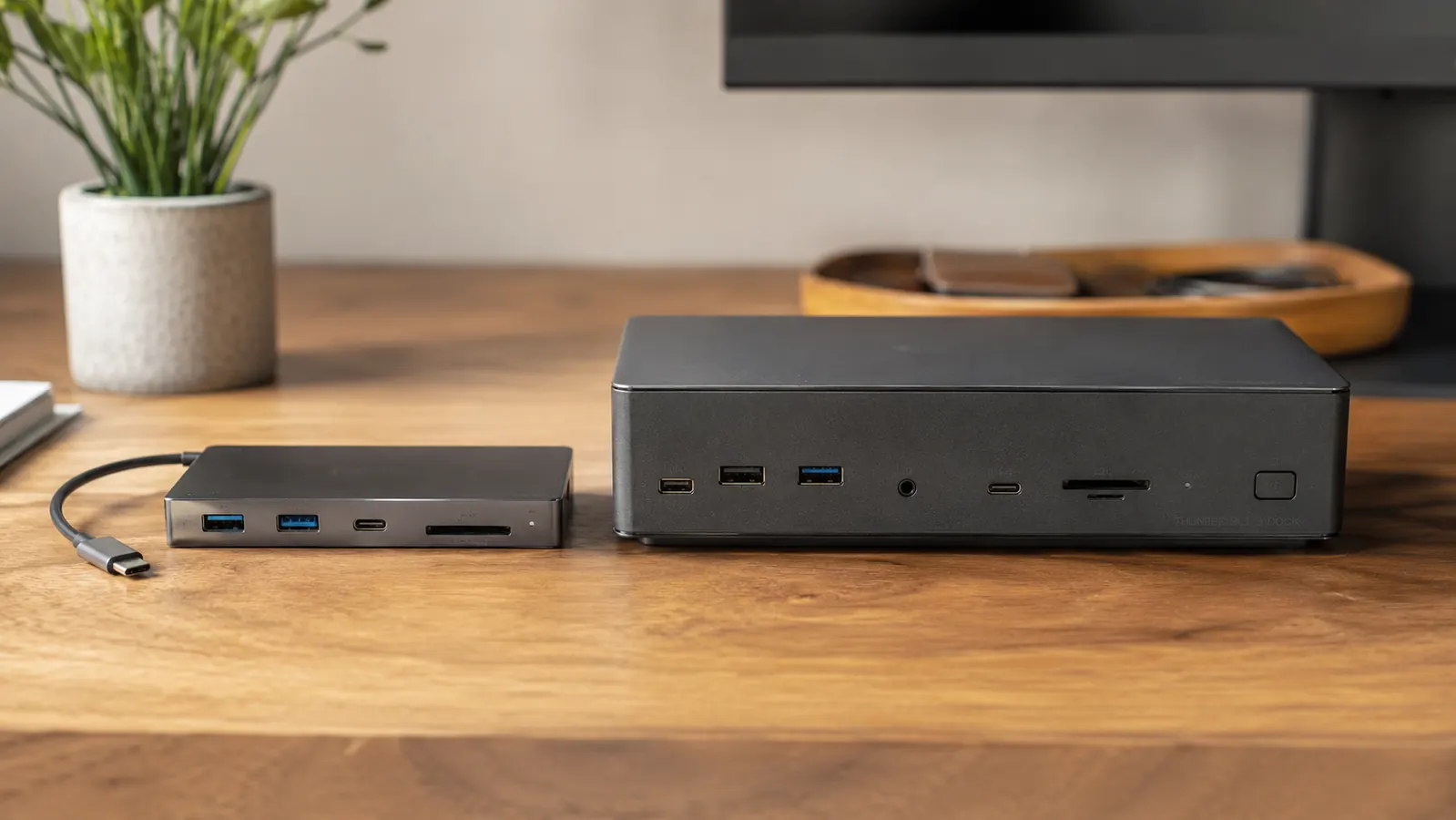
Here is the short answer: for most home office setups, a good USB-C hub does everything you need at a budget price. A docking station does more things, but unless you have a very specific dual-monitor or Thunderbolt workflow, you are paying a significant premium for features you will never use. If your setup is a single laptop, one external monitor, a keyboard, a mouse, and maybe an SD card or flash drive, the Hiearcool 7-in-1 USB-C hub handles all of it without a box the size of a paperback book sitting on your desk.
That said, there are legitimate reasons to spend more. If you need two 4K monitors running simultaneously from a single cable, or if you hot-dock a company laptop that requires 90W or more of power delivery, a docking station earns its price. The goal of this article is to help you figure out which category you actually fall into before you spend the money.
| USB-C Hub | Docking Station for Home Office | |
|---|---|---|
| Price | Check today's price on Amazon | Mid to high range |
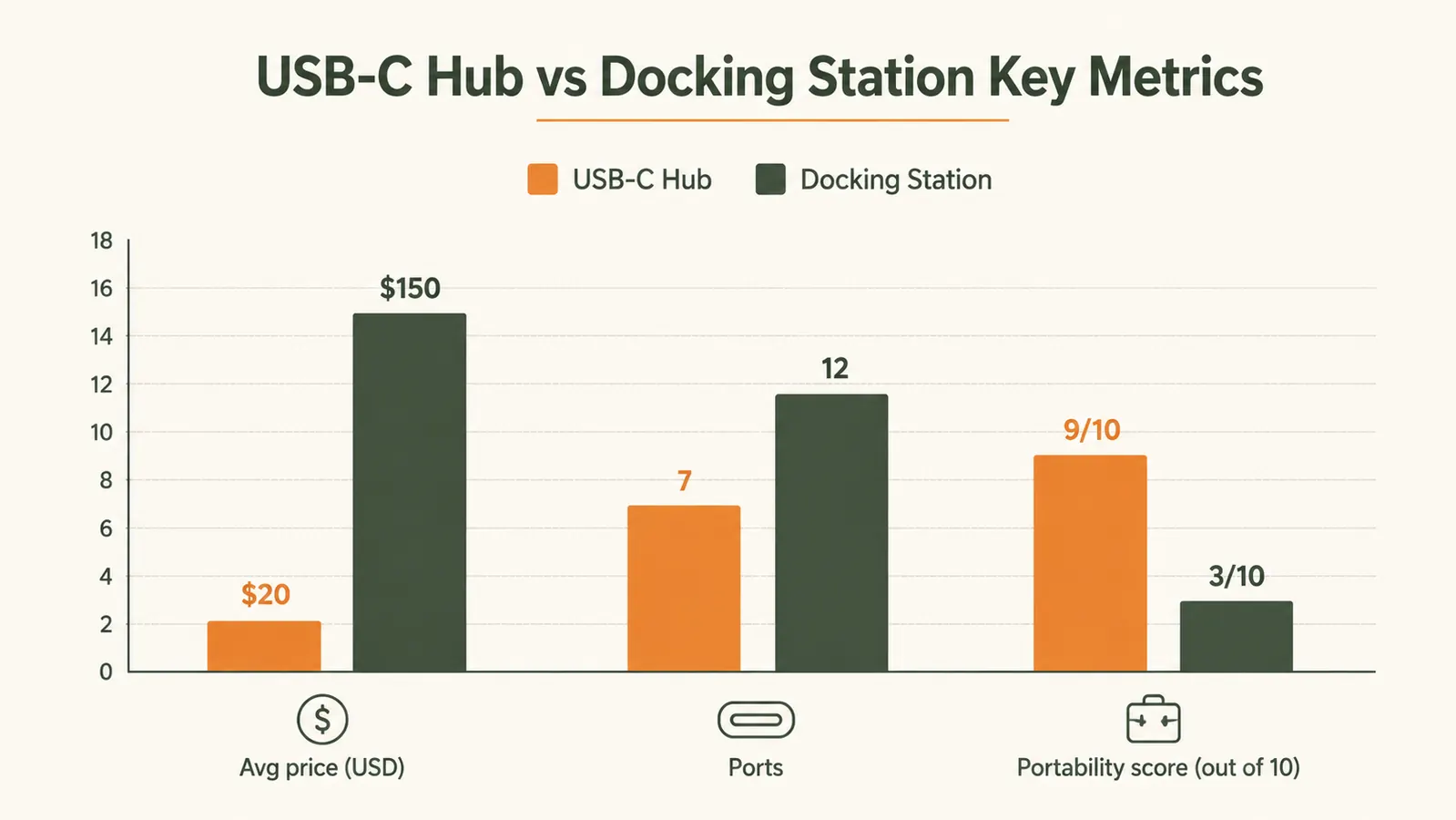
| Total ports | 7 (HDMI, 3x USB-A, USB-C PD, SD, microSD) | 12 to 18 (dual HDMI/DP, Ethernet, audio, USB-A/C mix) |
| Max power delivery to laptop | 100W passthrough | 90W to 140W (dedicated PD) |
| Display outputs | 1 x 4K HDMI (30Hz) or 1080p at 60Hz | 2 to 4 external displays simultaneously |
| Ethernet | Not included | Included (usually Gigabit) |
| Connection interface | USB-C (USB 3.0 compatible) | Thunderbolt 3 or 4 required on most |
| Size and portability | Pocket-sized, weighs under 2 oz | Desktop unit, not designed for travel |
| Setup complexity | Plug in and go, no drivers needed | May need driver installs, firmware updates |
| Best for | Single-monitor home office, remote workers who travel | Power users running 2+ monitors, developers, video editors |
One cable connects your monitor, keyboard, drives, and phone charger. Check the Hiearcool hub's current price.
The Hiearcool 7-in-1 covers the ports that 90% of home office setups actually use. 51,000+ buyers, 4.6 stars, budget-friendly.
Amazon Check Today's Price on Amazon →Where the USB-C Hub Wins
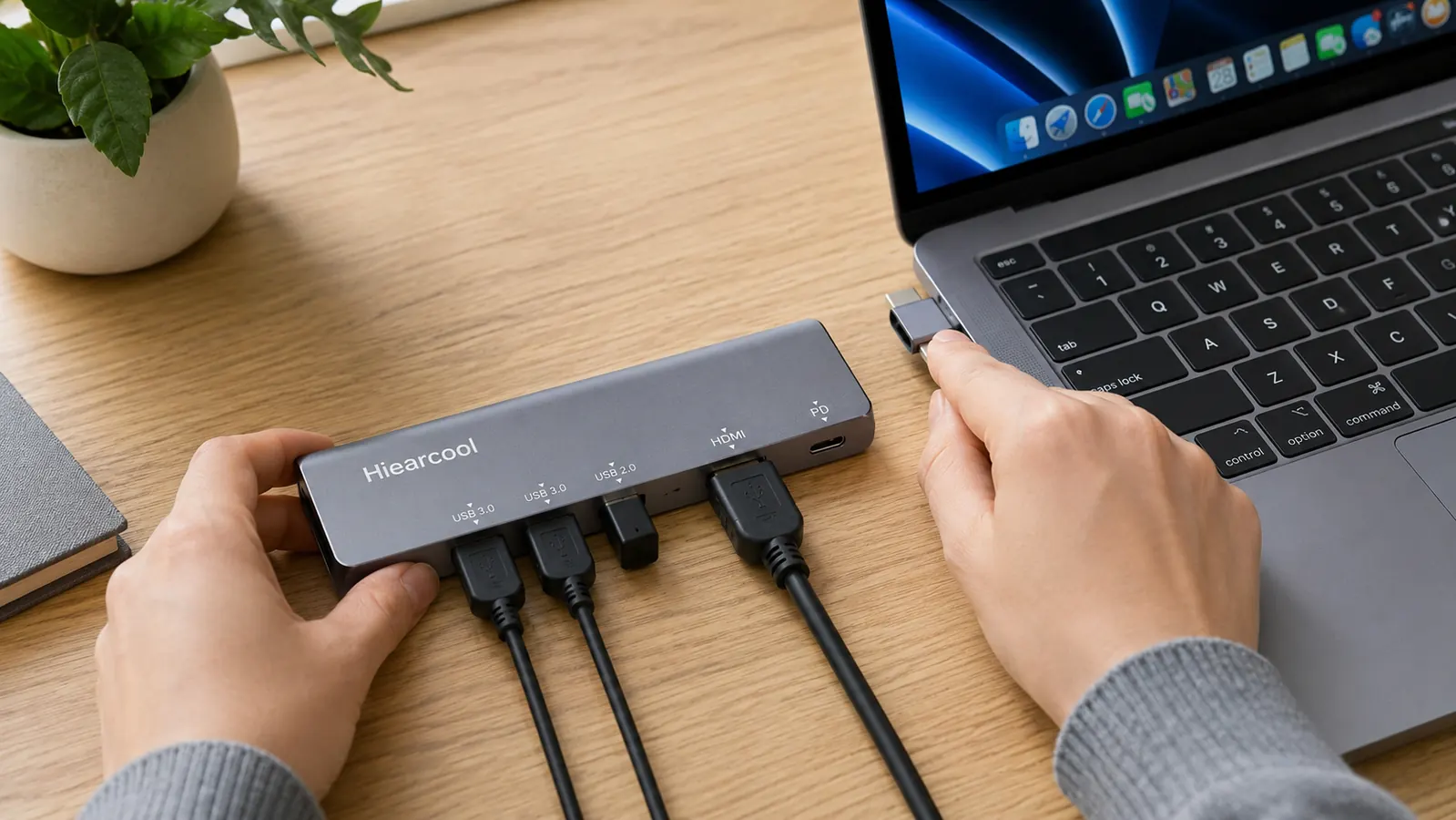
The biggest advantage of a USB-C hub is what it does not cost and does not require. You plug it in and it works. No Thunderbolt 4 port needed, no driver downloads, no dedicated power brick. The Hiearcool hub connects via a standard USB-C cable, so any modern laptop from the last four or five years is compatible, whether you are on a MacBook Air, a Dell XPS, a Surface Pro, or a Chromebook.
The 7 ports cover the real daily workflow: a 4K HDMI output for your external monitor, three USB-A ports for your keyboard, mouse, and occasional flash drive, a 100W USB-C power delivery port so your laptop charger moves to the hub instead of the laptop's own port, and both an SD and microSD slot for anyone who shoots photos or pulls files from a camera. That is the whole list for most home offices. You get everything in a device smaller than a deck of cards, at a low price point.
Portability matters more than most people expect when they are setting up a home office. If you take your laptop to a coffee shop on Fridays, or carry it between rooms during the day, a docking station sits there doing nothing while you are gone. The Hiearcool hub goes in your bag in two seconds. When you sit back down at your desk, you plug in one cable and your whole setup is live again. A docking station with 18 ports does not do that.
Plug in one cable, and your monitor, keyboard, mouse, drives, and laptop charger are all connected. That is the whole pitch, and it works.
Where the Docking Station Wins
A docking station earns its premium in three specific scenarios. The first is dual-monitor setups. If you need two external displays running at the same time from a single laptop, a USB-C hub cannot do it reliably. Most USB-C hubs, including the Hiearcool, output to a single HDMI port. Docking stations with Thunderbolt 4 support multiple display streams simultaneously and are the correct tool for that workflow.
The second scenario is power. If your laptop requires more than 100W of charging power, say a 16-inch MacBook Pro at full load or a gaming laptop, a USB-C hub's passthrough may not keep the battery topped off during heavy processing. Premium docking stations deliver 90W to 140W of dedicated power delivery and are designed for this. The third scenario is wired Ethernet. The Hiearcool hub does not include a network port. If your router is next to your desk and you want the stability of a wired connection instead of Wi-Fi, a docking station that includes Gigabit Ethernet makes more sense than buying a separate USB-C to Ethernet adapter.
What Most Buyers Get Wrong Before They Buy
The most common mistake is assuming more ports means more value. A docking station with 18 ports sounds better than a hub with 7, but the ports you actually use in a home office come down to one HDMI, two or three USB-A, and a power passthrough. Everything else on a docking station is hardware you are paying for but not plugging anything into. I have seen people spend heavily on a full Thunderbolt dock and end up using exactly four of the twelve available ports every day.
The second mistake is buying for a future setup rather than the actual setup you have today. If you are thinking you might add a second monitor someday, or you might switch to a more powerful laptop, those are reasons to revisit the decision when the time comes. Buying an expensive docking station as a hedge against a hypothetical future workflow is how people end up with expensive hardware they underuse. The Hiearcool hub is budget-friendly. If you outgrow it in a year, you have not lost much, and by then you will know exactly what you need.
The Real Cost Difference
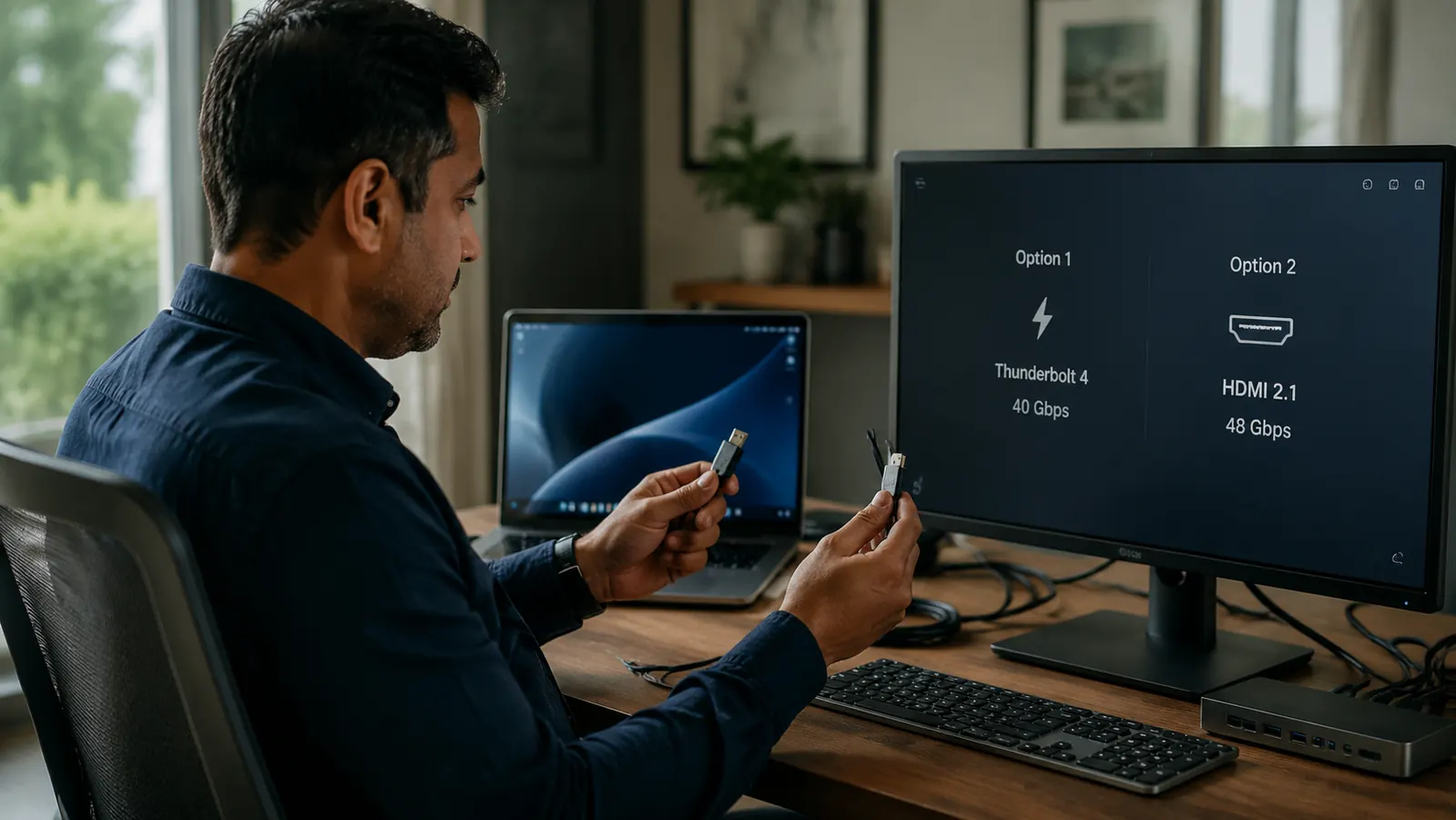
A premium Thunderbolt docking station is not just ten times more expensive than the Hiearcool hub. It also requires a laptop that has a Thunderbolt 3 or Thunderbolt 4 port, which is not universal. Many Windows laptops ship with USB-C ports that support USB 3.1 or USB 3.2 but not Thunderbolt, meaning a premium Thunderbolt dock connected to a non-Thunderbolt laptop runs in degraded mode or does not function as advertised. Before you spend the money, check your laptop's spec sheet to confirm Thunderbolt support.
The Hiearcool hub works over standard USB-C. No Thunderbolt required. That compatibility gap alone explains why so many home office users buy a docking station expecting a clean setup and instead spend an afternoon reading support forums to figure out why their second monitor is not showing up.
If you add up what a docking station actually costs, it is typically the unit itself plus the need to confirm Thunderbolt compatibility, often a firmware update or driver install, and a learning curve that most people do not account for. The USB-C hub is plug-and-use. For a home office worker whose goal is to sit down and start working without dealing with technology problems, the simpler option wins on value.
Performance Notes from Real Use
The Hiearcool hub handles simultaneous 4K HDMI output, USB data transfer, and 100W power delivery without overheating in normal home office use. It runs warm to the touch after a few hours but not hot. The SD card slot reads at standard USB 3.0 speeds, which is fast enough for importing photos or loading project files from a card. The USB-A ports deliver 5Gbps transfer speeds when connected to compatible drives.
One real limitation worth knowing: the 4K HDMI output runs at 30Hz at 4K resolution. If you have a 4K 60Hz gaming monitor and you care about smoothness, you will notice the difference. At 1080p, the hub runs at 60Hz without issue, which covers most home office external monitors. If your external monitor is a standard 1080p or 1440p productivity display, the hub performs fine at its native refresh rate.
With 51,637 reviews and a 4.6-star rating on Amazon, the Hiearcool hub has enough real-world data behind it to take seriously. Complaints in the reviews cluster around the 4K 30Hz limitation (expected at this price) and occasional compatibility quirks on older laptops. Praises focus on how clean and simple the setup is, and how well the 100W power delivery works. For a budget device, that track record is unusually strong.
Who Should Buy the USB-C Hub
You are the right buyer for the Hiearcool hub if your home office setup is a single laptop connected to one external monitor, a keyboard, and a mouse, with the occasional SD card or flash drive. That describes the overwhelming majority of home office workers, whether you are on a Mac or Windows machine. At a low price point, the risk is low enough that you can try it and know within ten minutes if it covers your needs. Most people find that it does.
You are also the right buyer if you travel regularly and want your desk setup to collapse into one cable. Remote workers who carry their laptop between a home office and a client site, a coworking space, or a second desk elsewhere get real value from not having a large, stationary dock tied to one location.
Who Should Buy the Docking Station
Buy a docking station if your laptop has a confirmed Thunderbolt 4 port and you need two or more external monitors, or if you need Gigabit Ethernet built into the hub rather than as a separate adapter, or if your laptop requires more than 100W to charge under heavy load. Video editors, software developers running multiple displays, and anyone whose company requires a specific docking station for IT compliance fall into this group. These are real needs, and a proper Thunderbolt dock solves them correctly.
If you are not in one of those situations and you are considering a docking station because it looks more professional or because more ports feel like a better deal, the hub is the right answer. You will spend less, deal with fewer compatibility concerns, and end up with a cleaner desk.
The Bottom Line
For a standard home office with one laptop, one monitor, and a few peripherals, the Hiearcool 7-in-1 USB-C hub is the practical choice. It's budget-friendly, requires no driver installation, fits in a pocket, and connects everything you need through a single cable. The only reasons to upgrade to a full docking station are dual-monitor requirements, Thunderbolt-only features, wired Ethernet, or power delivery above 100W. If none of those apply to your setup, save the money and spend it on something that actually changes how your workspace feels.
For more detail on the Hiearcool hub in daily use, read the full review covering what worked, what did not, and how it held up across both a MacBook and a Windows laptop. Or if you are ready to connect your monitor and peripherals right now, the how-to guide walks through the exact setup step by step.
Ready to clean up the cable mess? The Hiearcool hub does it affordably.
7 ports, 4K HDMI, 100W power delivery, SD card reader. Over 51,000 Amazon buyers and 4.6 stars. Plug it in, it works.
Amazon Check Today's Price on Amazon →