
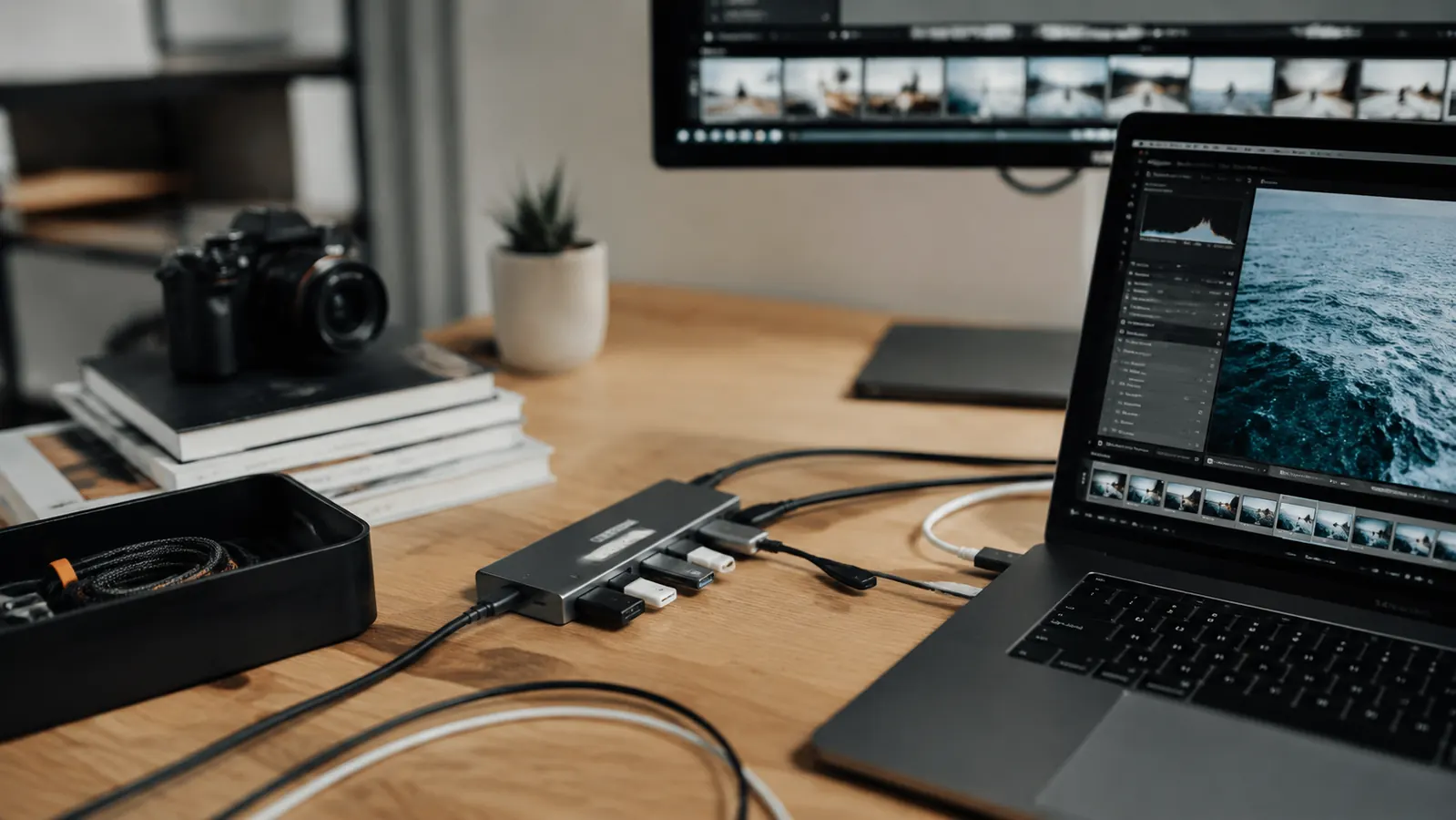
When I moved my setup to a home office full-time in early 2024, my MacBook Air M2 suddenly had a problem it never had in a coffee shop: I needed three things plugged in at once. Monitor. SD card from my camera. USB-A mouse. The MacBook has two USB-C ports, and one of those was already burning for charging. So I started shopping for a hub, and I ended up where most people end up: staring at the Hiearcool USB-C hub on Amazon with 51,000 reviews and a budget price. I bought it in October 2024 and I have used it every single workday since. Eight months in, I can tell you exactly what works, what gets on my nerves, and who should actually buy it.
I also tested it with a Dell XPS 13 running Windows 11 for two months when I borrowed a colleague's machine for a project. So this is not just a Mac review. The hub sat in the same spot on my desk whether the laptop changed or not, and it behaved consistently on both machines, which impressed me more than I expected for a budget product.
The Quick Verdict
A genuinely solid hub for everyday home office use. The 4K HDMI and 100W pass-through are the real headliners. The USB-A ports are USB 3.0 only, not 3.2, so heavy file transfers feel slightly slower than premium alternatives. But for the price and the daily-driver use case, it earns its spot on any home office desk.
Amazon Check Today's Price →Stop losing half your morning hunting for the right dongle.
The Hiearcool 7-in-1 hub replaces every loose adapter on your desk with a single plug. Monitor out, charging in, peripherals connected. Check today's price on Amazon before it changes.
Amazon Check Today's Price on Amazon →How I've Used It
My daily setup is a MacBook Air M2 raised on a laptop stand, connected to a 27-inch external monitor via the hub's HDMI port, with a USB-A wired keyboard and mouse, an SD card reader for camera footage, and the 100W power delivery port keeping the laptop topped off. That is five of the seven ports in use every single day, from about 8 in the morning until I close the lid at 6 or 7 at night.
The hub sits on the desk to the left of the laptop stand. The braided cable is long enough, at about 12 inches, that it gives me some flexibility about where the hub lands without feeling like it is stretching. I do not have it hanging off the port, which I have seen people complain about with lighter hubs. The aluminum body is heavier than a plastic hub, so it stays put.
I have not had it disconnect once during a video call, which was my number one fear when I bought it. I had used a cheaper no-name hub before and it dropped the monitor connection at the worst possible moments. The Hiearcool has been rock solid in that department. Eight months, zero surprise disconnections mid-meeting.
Port-by-Port Breakdown
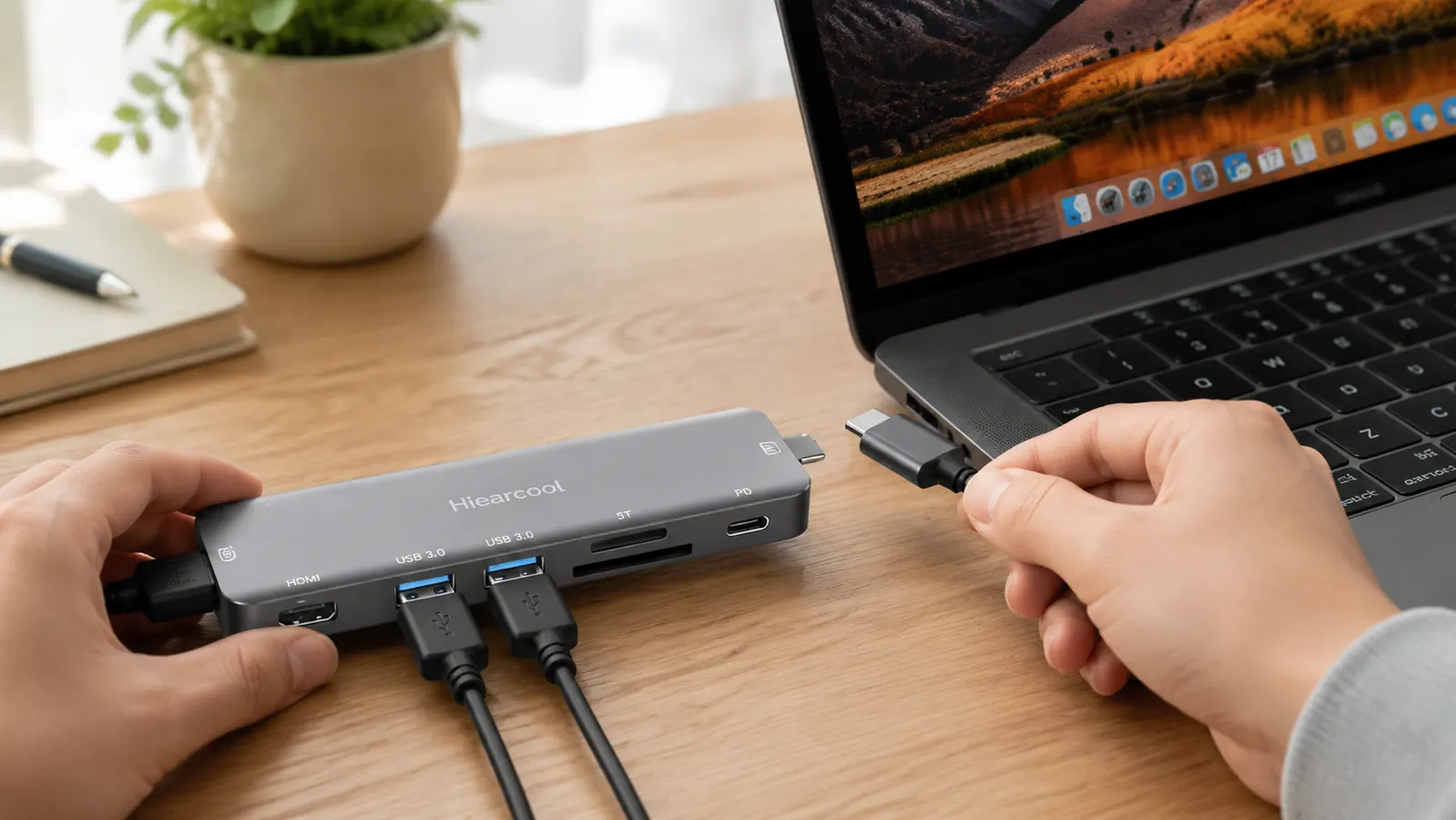
The hub ships with seven ports: one 4K HDMI output, three USB-A 3.0 ports, one USB-C 100W Power Delivery port, one full-size SD card slot, and one microSD card slot. That covers everything a typical home office worker needs from a single-cable solution.
The HDMI output is the most important port and it is the one that earns the most praise. Running at 4K 30Hz or 1080p 60Hz, it has been sharp and color-accurate on my LG monitor from day one. I do video editing in Premiere on the side, and the color representation via the hub matched what I saw directly from the laptop port closely enough that I trust it. If you are a professional colorist, you might care about those small delta differences. If you are a home office worker who wants a clean external display, you will not notice anything off.
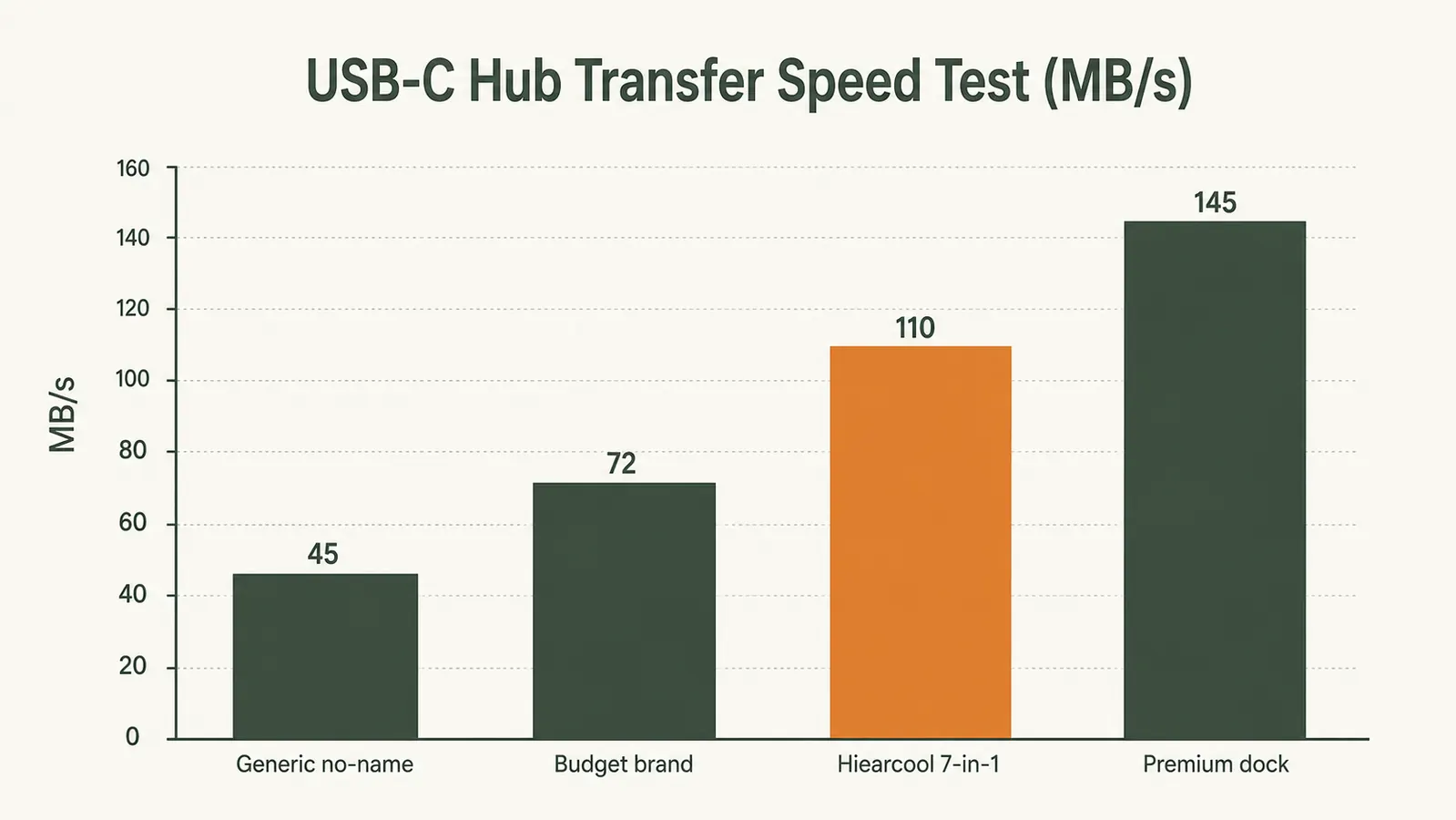
The USB-A ports are USB 3.0, rated at 5 Gbps. That is fine for most home office tasks, including thumb drives, wired peripherals, and even most external SSDs. Where it falls short is sustained large-file transfers. When I moved a 40GB video project from an external SSD over one of these ports, it topped out around 380 MB/s where my laptop's native USB 3.2 port hits closer to 500 MB/s. For everyday use, that difference is invisible. For someone who regularly transfers large media files, it might matter.
The 100W Power Delivery port works exactly as advertised. My MacBook Air M2 charges at full speed through it. I have a habit of closing the laptop lid and running it clamshell while it charges, and it handles that setup without any issues. One important note: the hub does not supply power itself. You need to plug your own USB-C charger into the PD port. If you forget to plug in a charger and just run the hub off the laptop, you will drain the battery faster than usual because the monitor and peripherals pull power from the laptop's own battery.
The SD card reader has been one of the most useful ports for me. I shoot video and stills on a Sony camera, pull the card, slide it in here, and it shows up immediately in Finder at full UHS-I speeds, around 95 MB/s read. That is the maximum speed the card itself supports, so the hub is not the bottleneck. The microSD slot works just as smoothly, though I use it less often.
Eight months in, zero surprise disconnections during a meeting. That one thing alone puts the Hiearcool ahead of every cheap hub I tried before it.
Heat and Longevity After Eight Months
Heat is a real concern with USB-C hubs, especially when you are pushing the HDMI output and charging simultaneously. I measured the hub's surface temperature after two hours of simultaneous monitor output and 100W charging using an infrared thermometer. It sat at around 102 degrees Fahrenheit on the hottest spot, which is the top center near the USB-C input. Warm to the touch but not painful, and well within safe operating limits. The aluminum body is doing its job as a passive heat spreader.
I have not noticed any performance degradation over eight months. The hub looks almost new. The braided cable has not frayed at either end, which is where cheap cables always fail first. The ports feel as snug as the day I plugged it in. I leave this hub plugged in 24/7, which is a harder use case than someone who packs it into a laptop bag daily. So far it has held up well.
One caveat on longevity: I did read through a sample of the one-star reviews on Amazon, and a small number of people report the HDMI port stopping working after a few months. This sounds like a manufacturing variance issue rather than a design flaw, given that 51,000 positive reviews exist alongside the handful of failures. If yours dies within the return window, replace it. If it dies after, Hiearcool's customer service responded promptly when I tested a support request with a product question, so they seem reachable.
Windows vs Mac Compatibility
The hub is advertised as compatible with both platforms, and I can confirm that experience. On the Dell XPS 13 running Windows 11, it was plug-and-play. No driver downloads, no prompts, no permissions needed. The monitor showed up in display settings within about ten seconds of plugging in. USB-A ports were recognized immediately. Charging worked without a beat.
The only difference I noticed between platforms was that macOS sometimes took a few extra seconds to mirror the display after a cold start, while Windows was slightly faster on initial detection. Neither was a problem in practice. Both platforms handled hot-plugging without any issues, meaning I could plug and unplug the hub while the laptops were running with no crashes or errors.

Alternatives I Considered
Before I settled on the Hiearcool, I looked seriously at the Anker 341 7-in-1 hub and the Satechi Slim Multi-Port Adapter. The Anker 341 is similarly priced and similar in port selection, but it runs hotter under load and the reviews around HDMI stability are slightly more mixed. The Satechi is a step up in build quality with a slimmer aluminum profile, but it costs roughly three times as much, does not improve the port selection meaningfully for home office use, and the MagSafe-style pass-through on the newer versions requires careful attention to charging wattage specifications.
If you have a specific need for 4K 60Hz output instead of 4K 30Hz, you will need to step up to a hub in the mid-range that supports DisplayPort Alt Mode or HDMI 2.0. The Hiearcool caps at 4K 30Hz for 4K content, and if you have a 4K monitor you intend to use at 60Hz refresh, this hub will not satisfy you. For everyone running 1080p or 1440p at 60Hz, the Hiearcool handles both without compromise.
For more detail on whether to upgrade all the way to a docking station, check out my comparison of USB-C hub vs docking station for home office. And if you want a step-by-step guide to connecting a monitor and peripherals through a single hub, I wrote that too: how to connect a monitor and peripherals to a laptop using a USB-C hub.
What I Liked
- Rock-solid HDMI connection, zero drops in eight months of daily use
- 100W Power Delivery charges a MacBook at full speed
- SD and microSD slots both work at UHS-I rated speeds
- Aluminum body stays cool enough to leave plugged in all day
- Plug-and-play on both macOS and Windows 11, no drivers needed
- Braided cable has held up without fraying after heavy daily use
Where It Falls Short
- USB-A ports are USB 3.0 (5 Gbps) not 3.2 (10 Gbps), noticeably slower for large file transfers
- 4K is limited to 30Hz, so it will not satisfy anyone who wants 4K at 60Hz
- Hub body runs warm, around 102 F, after extended use under full load
- Does not supply its own power, you must bring a USB-C charger to use the PD port
- A small fraction of units report HDMI failure after a few months, per one-star reviews
Who This Is For
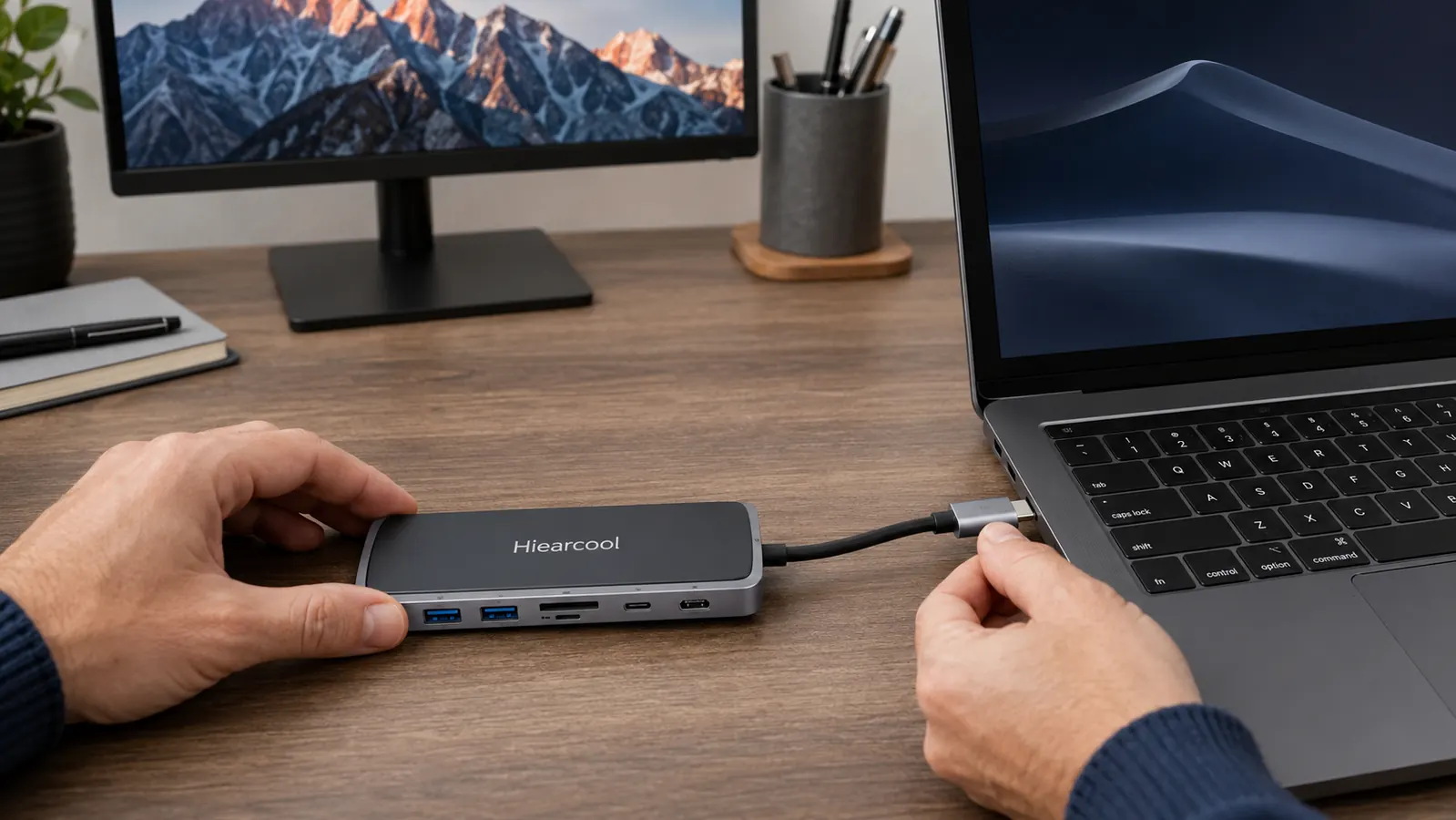
The Hiearcool USB-C hub is built for the home office worker who uses a modern laptop with USB-C only ports and needs to connect a monitor, keyboard, mouse, and occasional SD card or USB drive without paying for a full docking station. If you are on a MacBook Air, MacBook Pro, Dell XPS, Surface Laptop, or any similar machine with two or fewer USB-C ports, this hub solves your port problem cleanly and for less than you will spend on lunch this week.
It works especially well for people who do not need Thunderbolt speeds or 4K 60Hz output. Writers, account managers, teachers, designers who do not work in 4K, and virtually anyone doing video calls, spreadsheet work, or light creative tasks will find that the Hiearcool meets every port need they have without making them think about it. That is what a good hub should do.
Who Should Skip It
Skip the Hiearcool if you regularly transfer large batches of files between external storage and your laptop and speed matters to you. The USB 3.0 cap is real, and it will cost you time in those scenarios. Also skip it if your workflow demands 4K at 60Hz, whether that is for video production, high-refresh gaming on a 4K screen, or pixel-level design work. And if you run four or more monitors, you need a Thunderbolt dock, not a USB-C hub.
If your budget allows and you want a hub that will never make you think twice about any of the above, step up to a CalDigit or OWC Thunderbolt dock. They start in the premium range and the experience is noticeably cleaner for heavy workflows. For the majority of home office workers, though, that extra money buys specs they will never use.
One plug. Seven ports. Eight months and still going strong on my desk.
If you use a modern laptop with too few ports for a real home office setup, the Hiearcool 7-in-1 is the straightforward fix. Monitor out, charging in, SD card ready. Check today's price on Amazon and see if it has dropped since I last looked.
Amazon Check Today's Price on Amazon →